 Linux
LinuxPortfolio
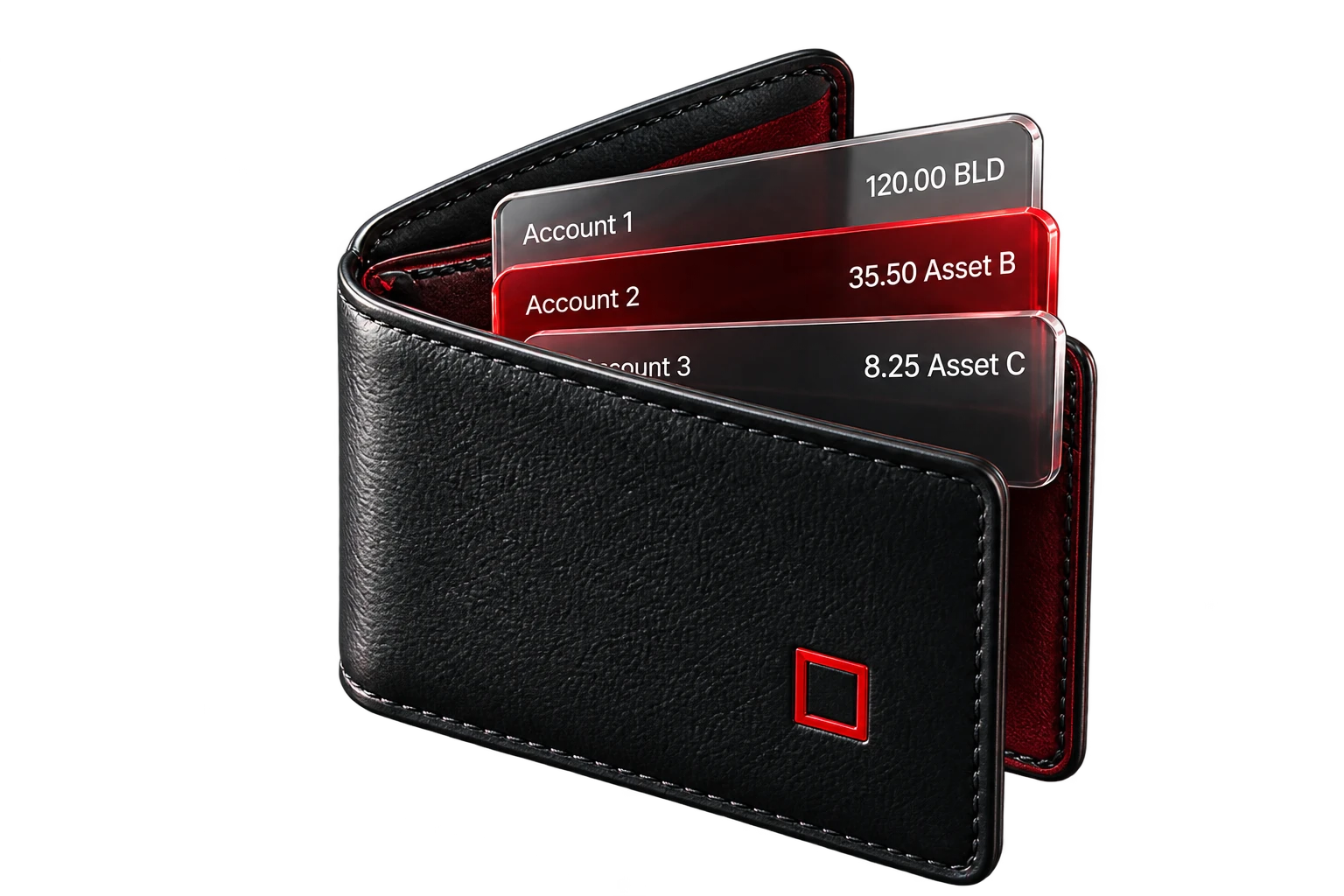
View accounts, balances and network connection status in one workspace. Verify the selected account before initiating a request.
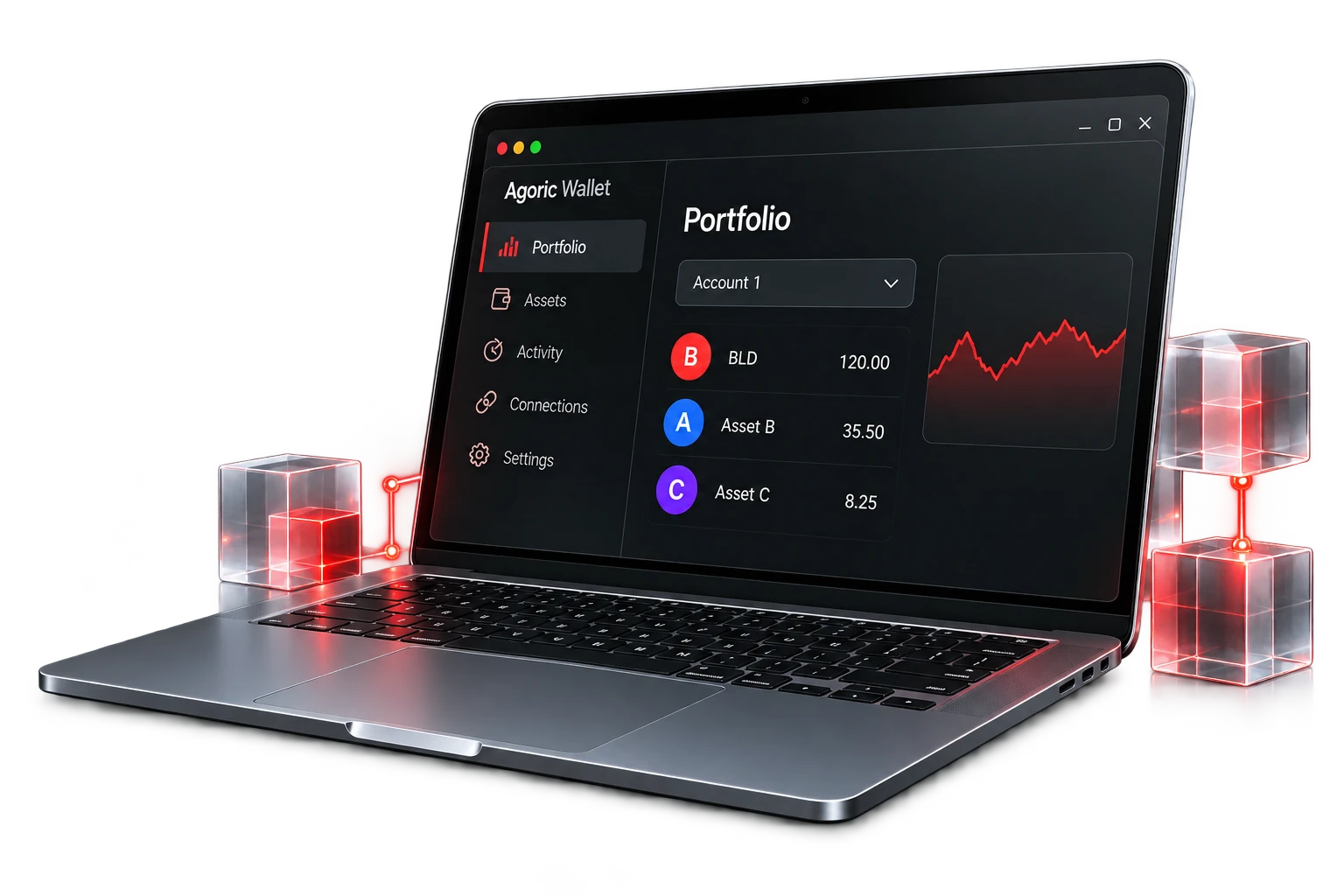
Desktop interface
A dedicated desktop interface for the decentralized Agoric network. Review account information, assets and application requests.

Gate spot market
— USDT
— past 24 hours
Loading BLD market history…
View accounts, balances and network connection status in one workspace. Verify the selected account before initiating a request.
Identify assets by symbol, network and token type. Public BLD market prices are displayed separately from account balances.
Follow the market
Verify the account, action, asset, amount, complete destination address and network fee before signing. Reject unintended requests.
Explore wallet security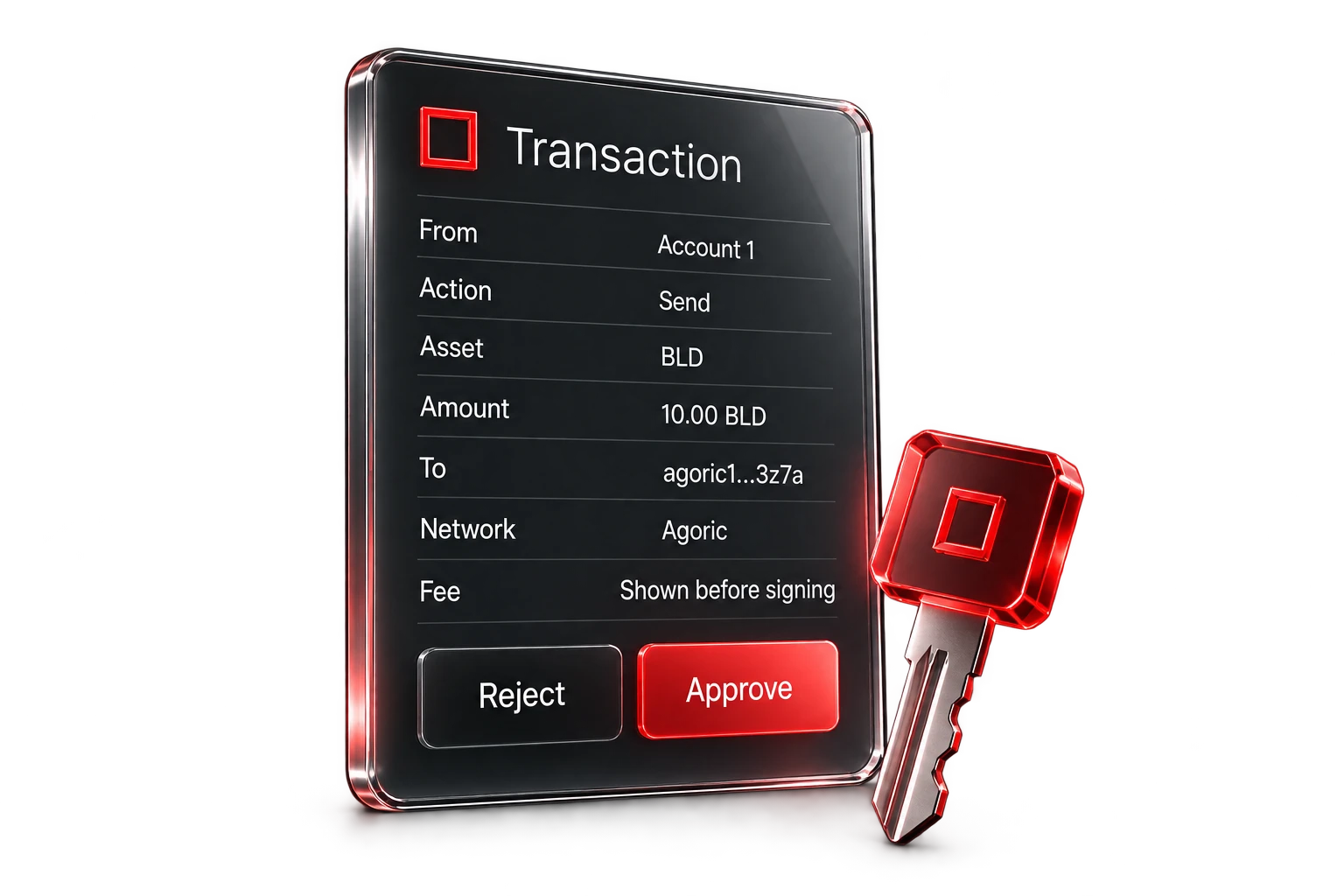
Review transfers and application connections in chronological order. Check pending and confirmed statuses before resubmitting a request.
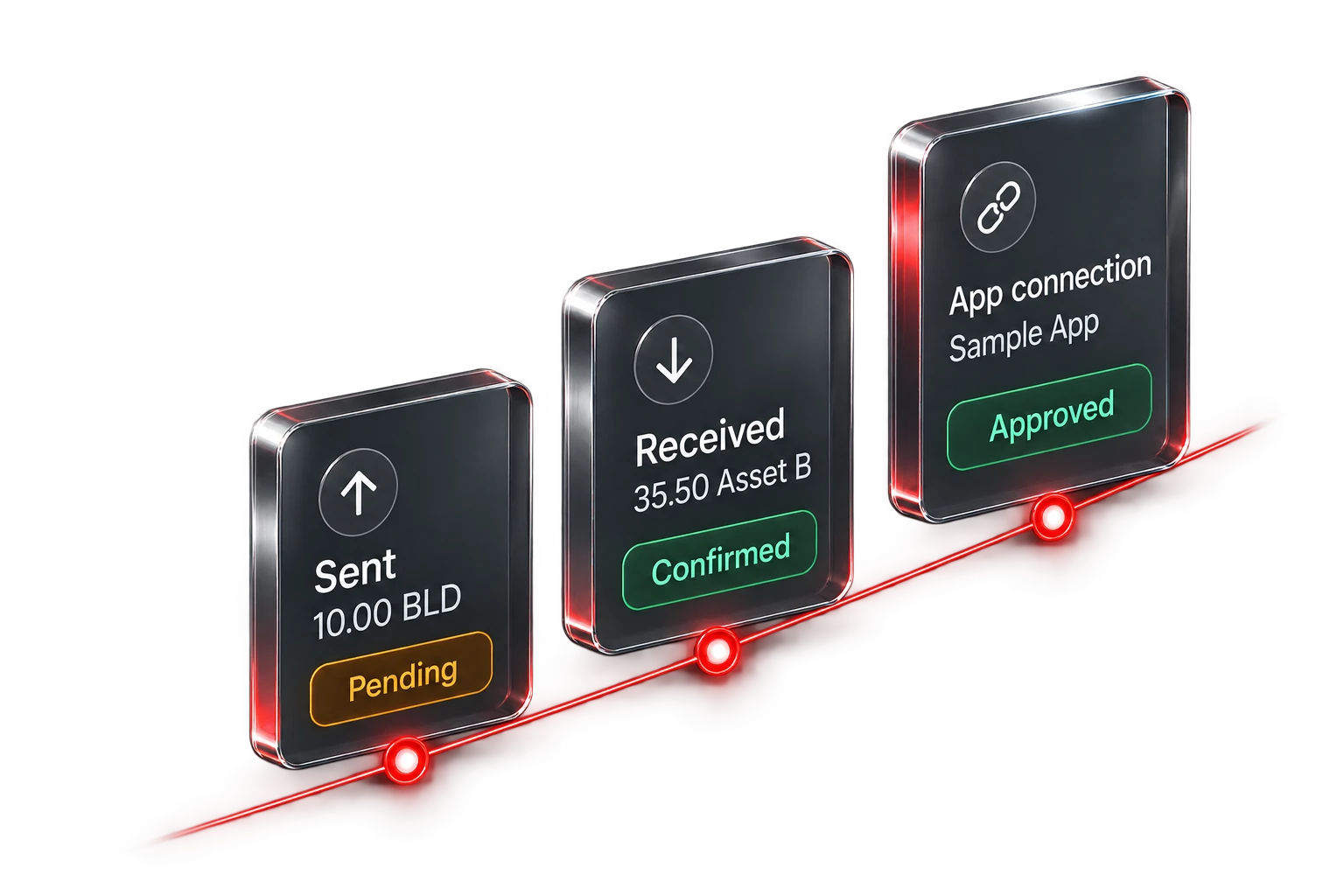
Interface illustrations use sample accounts and transactions. The BLD chart displays public exchange data.
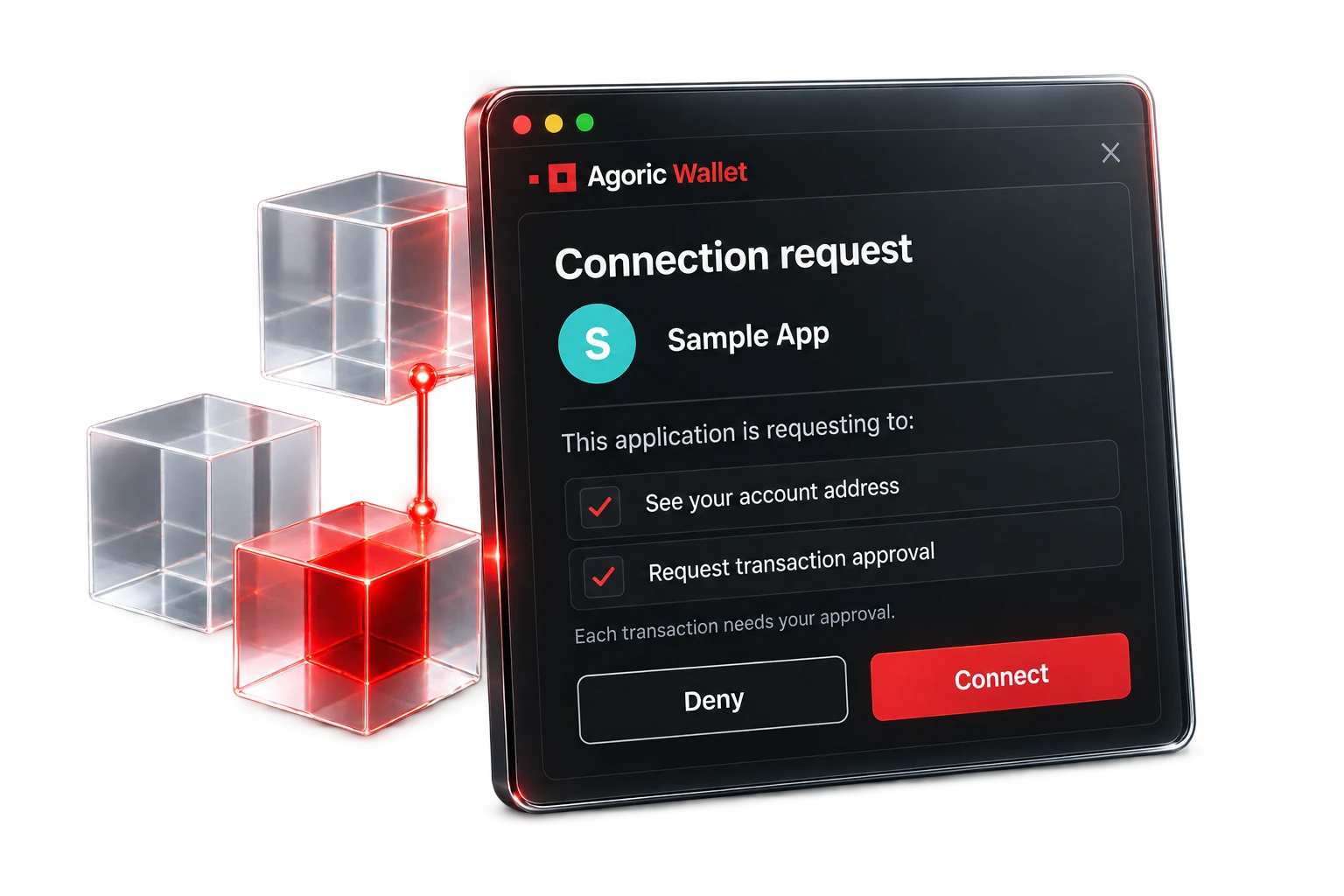
Connections & permissions
Verify the application identity and requested permissions before connecting.
A connection may share an account address and allow an application to request approval. Transaction authorization requires a separate review. Agoric Wallet presents the request, and the decentralized network validates and executes the authorized transaction.