
Transaction verification
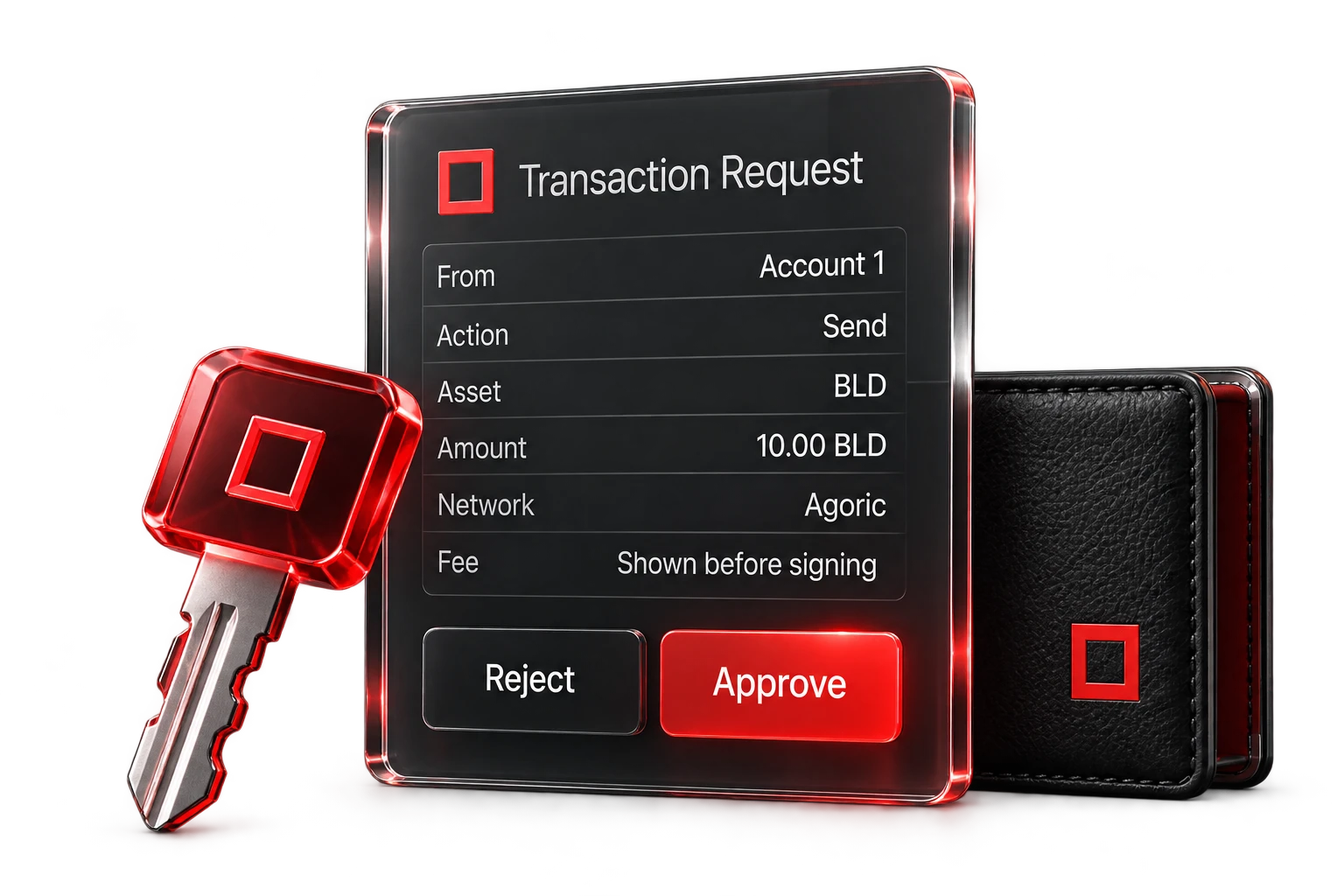
Confirm the action, asset and exact amount. Review the network fee before approval and reject requests that were not initiated intentionally.
Security guide
Security practices for desktop access to the decentralized Agoric network: verify requests, review permissions and protect recovery information.
Essential checks
Verify that the request matches the intended action before authorization.
Confirm the action, asset and exact amount. Review the network fee before approval and reject requests that were not initiated intentionally.
Compare the whole address, character by character. Clipboard malware can swap addresses, so check the middle as well as the beginning and end. Send a small test amount to new recipients, and never trust an address from an unsolicited message.
Treat unsolicited prompts and unclear descriptions as warning signs. Reject requests when their purpose is uncertain and disconnect applications that issue unexpected requests.
The example addresses share the same beginning and ending but differ in the middle. Verify every character of the full destination address.
The action was initiated intentionally. The application identity, website address, amount and destination match the intended transaction.
The request is unsolicited, imposes urgency or promises a reward. It asks for recovery information or permissions beyond the intended action.
Connection safety
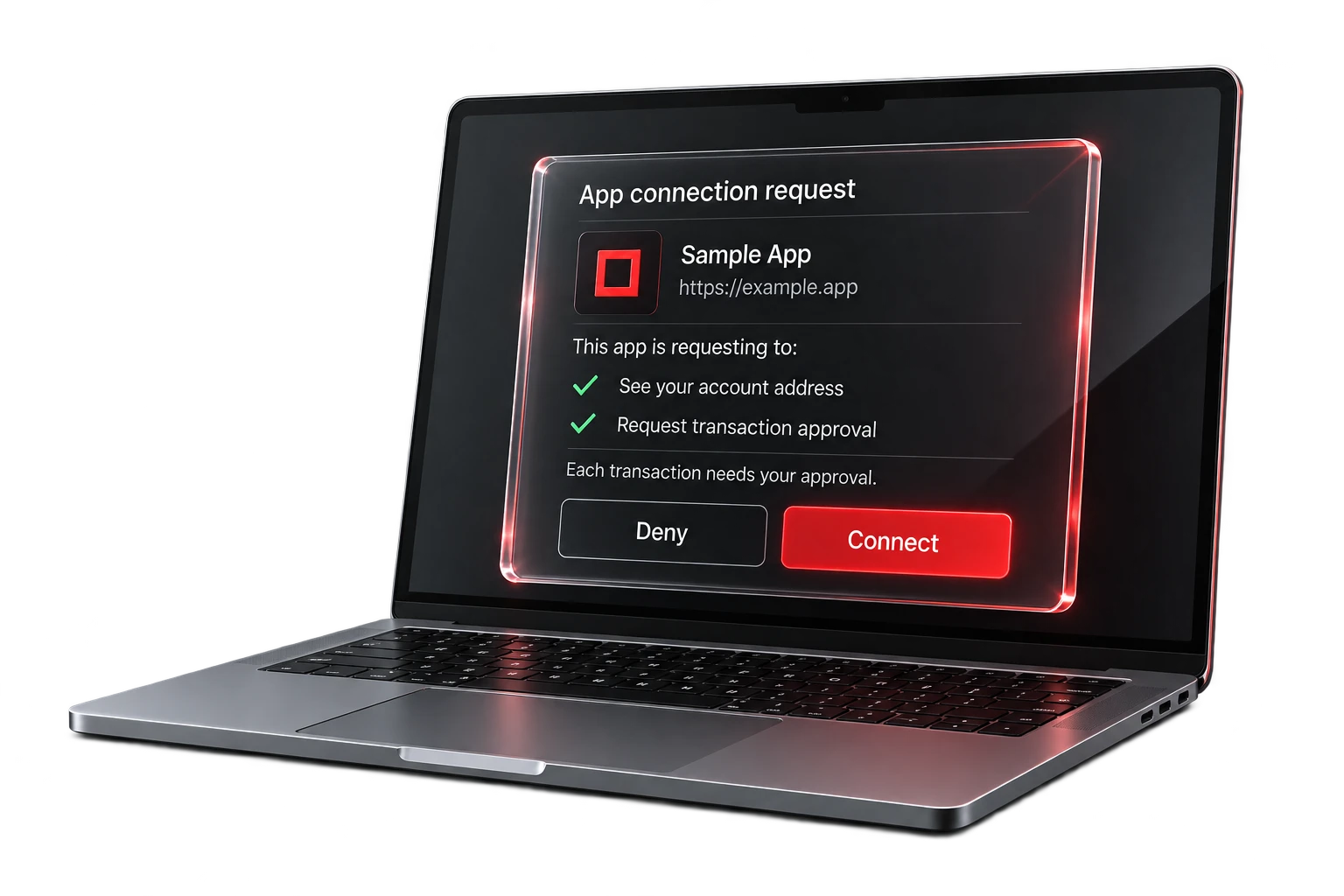
Verify application identity and permission scope. Authorize connections only for applications intended for use.
Confirm the application name and website address, and review the requested permissions. Connect only to applications intended for use and remove unused connections.
Verify domain spelling and avoid look-alike websites. Treat urgency, giveaways and unsolicited account warnings as suspicious. Navigate directly to known websites. Never disclose recovery information to support.
Security practices
Maintain current software and store recovery information offline with restricted access.
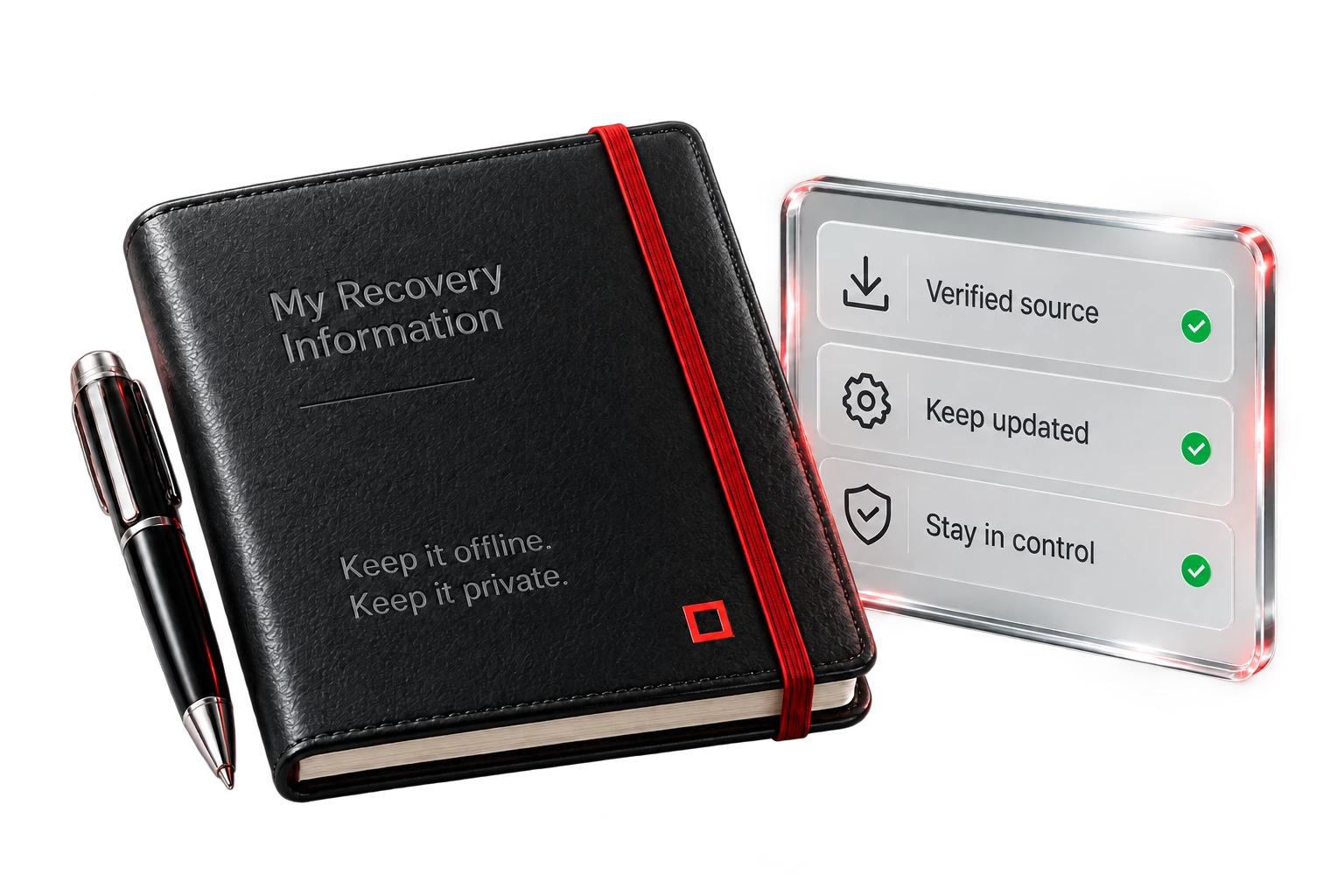
Obtain installers through the Downloads section on the Homepage. Avoid packages shared in advertisements or direct messages. Review operating system security prompts and verify the source before continuing.
Record recovery information offline and restrict access. Avoid photographs and cloud notes. Never enter it into a website or chat. Access to this information may allow control of the associated assets.
Maintain the current Agoric Wallet version listed in the Downloads section on the Homepage. Disregard update prompts from emails or pop-ups and keep the operating system updated.
Suspend further approvals and remove suspected connections. If recovery information has been disclosed, treat it as compromised and transfer assets to a new wallet under your control as soon as possible.
Use the Downloads section on the Homepage when reinstalling the application. Consult the Support documentation for recovery and troubleshooting guidance.
This guide covers user security practices. Internal application architecture, audit status, certifications and custody arrangements are outside its scope.